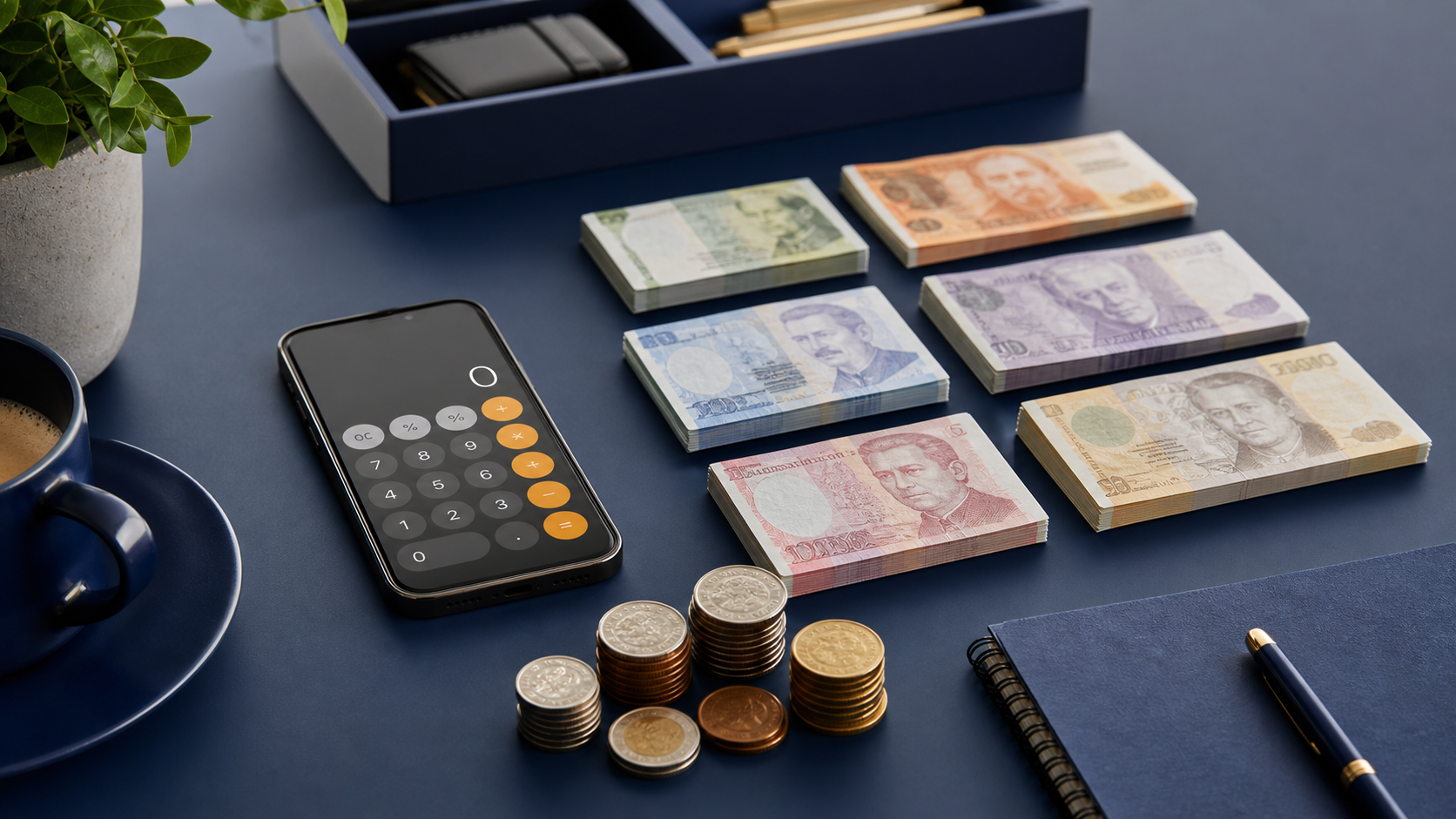
Market traders, delivery drivers, door staff and treasurers frequently count with nothing but a phone. The Change Counter calculator is built for that, and a few habits turn a cramped screen into a dependable record.
A browser tab on a phone can be discarded by the operating system at any moment when memory is needed. Save or export before you pick the phone up to walk anywhere.
1. Choose A Stable Surface
Counting one handed while holding a phone is where mobile errors begin. Put the phone down flat where you can see it without holding it, and keep both hands free for the cash. A van floor, a folding table or a closed laptop lid all work better than your palm.
Positioning For Speed
Place the phone on the side of your dominant hand and keep the cash on the other, so the movement between counting and tapping is short. It sounds trivial and it removes a surprising amount of the fumbling that leads to double entry.
- Put the phone down rather than holding it.
- Keep both hands free for the cash.
- Position the screen on your dominant hand side.
- Avoid counting on soft or sloping surfaces.
2. Load The Right Currency
Select the currency before you touch any money. Switching mid count clears the quantities, which is correct behaviour and extremely annoying if you have already entered six rows. Confirm the symbol shown matches the cash in front of you.
Working Across Borders
If you handle more than one currency, count each one completely and export before switching. Never try to hold two currencies in one session. The reasons and the method are in multi currency cash counting.
- Select the currency before entering anything.
- Confirm the symbol matches the physical cash.
- Finish and export one currency before switching.
- Check the decimal behaviour for currencies without minor units.
3. Use The Steppers Not The Keypad
For small quantities, the plus and minus controls are faster and far more reliable than typing on a phone keyboard. They cannot produce a transposed digit and they do not require you to look away from the cash while a keypad covers half the screen.
When Typing Is Better
Above roughly twenty pieces, typing wins. Count the stack, then enter the number directly. The rule is to decide per row rather than switching mid entry, since a half tapped and half typed quantity is exactly where mobile errors appear.
- Use steppers for small quantities, typing for large ones.
- Decide the method before you start a row, not during.
- Let the numeric keypad open rather than fighting autocorrect.
- Check the quantity on screen before moving the stack aside.
4. Keep The Screen Awake
A screen that sleeps mid count costs you your place and sometimes your entry. Raise the auto lock timeout before you begin, or keep the device on charge. A long coin count on a default fifteen second timeout is genuinely painful.
Battery Planning
A bright screen held awake drains a phone quickly, and counting at the end of a long day is exactly when the battery is lowest. Carry a power bank if you count regularly away from a socket, since a phone dying mid count loses the session entirely.
- Increase the auto lock timeout before counting.
- Keep the device charged or on a power bank.
- Lower the brightness rather than letting the screen sleep.
- Close other applications to reduce memory pressure.

5. Shield The Screen In Public
A phone showing a four figure total is as visible as the cash itself, sometimes more so. Angle the screen away from passers by, and avoid counting in an open doorway or a shop front where the total can be read from outside.
Counting In The Open
Where you have no choice, count in segments and clear the screen between them, or count into a bag rather than onto a surface. The aim is that nobody watching can establish how much is present or where it goes afterwards.
- Angle the screen away from public view.
- Avoid counting in doorways and shop fronts.
- Count in segments if you are exposed.
- Put counted cash away before starting the next group.
6. Save Before You Move
Mobile browsers discard background tabs when memory runs short, and a discarded tab takes your entries with it. Save the count before you answer a call, switch applications or pick the phone up to walk. Saving takes one tap.
Labelling On Mobile
Label the count immediately, because mobile counts are usually done in the field where several stalls, doors or runs blur together within hours. A label naming the location and time is worth more than the date alone.
- Save before switching applications or answering a call.
- Label by location and time, not just date.
- Save again after any significant change.
- Remember saved counts stay on that one device only.
7. Export Before You Leave
Local storage on a phone is not a filing system. Export the CSV or print to PDF while you still have signal and battery, and send it somewhere it will survive. A phone that is lost, wiped or replaced takes every saved count with it.
Getting The File Off The Device
Most phones can share a downloaded CSV or a printed PDF straight into email or cloud storage. Do it at the point of counting rather than intending to later, because later is when the day gets busy and the file gets forgotten.
- Export or print at the point of counting.
- Send the file off the device immediately.
- Do not rely on saved counts as your only record.
- Check the export opened correctly before deleting anything.
8. Verify Before You Bank
A mobile count is a working figure until it is verified somewhere stable. Where the cash goes to a bank or an office, recount on a proper surface before it is strapped and bagged, using the mobile figure as the expected total.
Using The Mobile Count As A Check
This gives you a free blind verification. The field count and the desk count were made in different conditions by potentially different people, and agreement between them is strong evidence. Deposit preparation is covered in preparing a business bank deposit.
- Treat the mobile count as provisional until verified.
- Recount at a desk before strapping for the bank.
- Use the mobile total as the expected figure on the recount.
- Investigate any disagreement between the two counts.
Worked Example
A market trader packs down at five and counts in the van before driving home. The phone is the only device available, and the count needs to survive the journey.
| Step | Action Taken | Why |
|---|---|---|
| Setup | Phone flat on a crate, auto lock raised | Both hands free, screen stays awake |
| Currency | AUD selected before opening the cash box | Switching later would clear entries |
| Notes | Typed quantities, highest value first | Stacks above twenty pieces |
| Coins | Steppers used for small groups | Faster and no transposed digits |
| Save | Labelled Saturday market, north stall | Tab could be discarded on the drive |
| Export | CSV emailed before leaving the site | Signal available, phone still charged |
The count is recounted on Monday at a desk with the mobile figure entered as the expected total, giving a blind verification at no extra cost.
Final Checklist
- Put the phone on a stable surface and free both hands.
- Select the currency before touching any cash.
- Use steppers for small counts and typing for large ones.
- Raise the auto lock timeout and check the battery.
- Angle the screen away from public view.
- Save and label the count before moving.
- Export or print while you still have signal.
- Recount at a desk before the cash is banked.
Phone counting is not a compromise when the setup is right. Most of the reliability comes from three habits: put the device down, save early, and get the file off the phone.
Frequently Asked Questions
Are counts saved on a phone secure?
They live in local browser storage on that device and are not uploaded anywhere. That means nobody else can read them remotely, and equally that nobody can recover them if the phone is lost or wiped. Protect the device with a passcode and export anything that matters.
Can I count offline?
Once the page has loaded, the arithmetic runs locally and does not need a connection. Loading the page for the first time does. If you count regularly in areas with poor signal, open the calculator before you leave the last place you had a usable connection.
Will a saved count appear on my other devices?
No. Saved counts are tied to one browser on one device with no synchronisation of any kind. If you count on a phone and file records on a laptop, export the CSV or send the PDF across rather than expecting the saved entry to follow you.
Put It Into Practice
Set your auto lock timeout now and decide where your exports will go. Those two decisions remove most of what makes phone counting feel less reliable than a desk.
Keep reading: How To Count A Cash Drawer Without Errors, How To Balance A Cash Register At Closing, Cash Handling Procedures Every Business Needs, Cash Drawer Over Or Short: Causes And Fixes. The full cash counting guide library collects all fifteen walkthroughs, and the Change Counter calculator is always one click away.